How it works

Every feature, explained without jargon

From the Secure Element chip to Ledger Live to dApp connection — here is what each piece of the Ledger Wallet ecosystem does and why it matters.

Architecture

The Secure Element stack

How keys stay protected through every layer.

CC EAL5+ Secure Element

The core of every Ledger Wallet is a chip identical to those used in payment cards and government ID documents. It generates and stores private keys internally, makes them cryptographically unusable outside the chip, and physically cannot export them in raw form.
BOLOS operating system

Ledger’s own open-source operating system isolates each coin app from every other. A compromised Bitcoin app cannot touch your Ethereum keys. Each app runs in a sandboxed container with hardware-enforced boundaries.

Physical confirmation

Every outgoing transaction must be confirmed by pressing a physical button on the device. Malware on a connected computer cannot trigger the button remotely. The device screen — not the computer screen — shows what is actually being signed.

Clear signing (newer models)

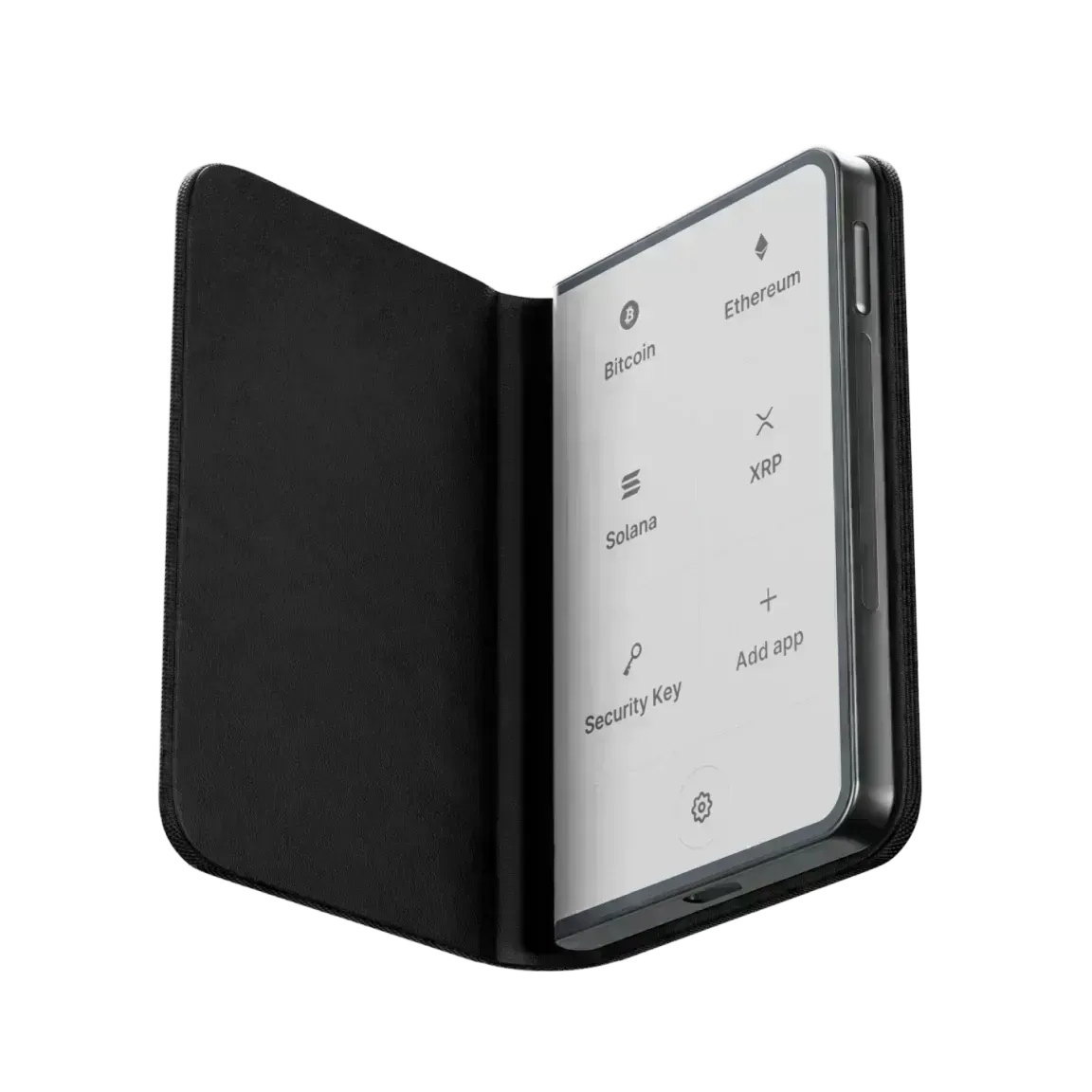
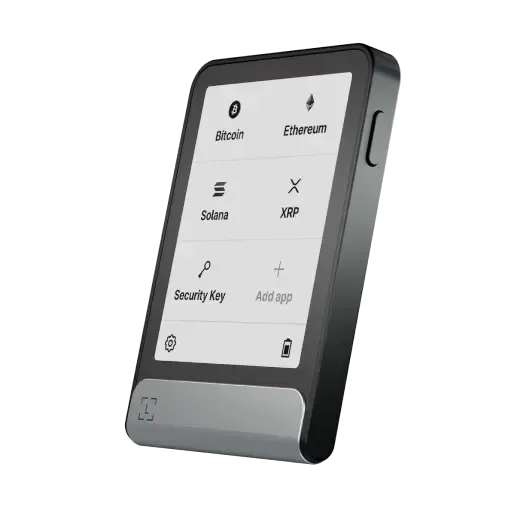
Ledger Stax and Flex display human-readable contract details for supported dApps — destination address, token amounts, protocol name — before you press confirm. Older devices show a transaction hash that must be verified manually.

Ledger Stax device with E-ink screen

Ledger Live

The companion app for every device

Ledger Live is Ledger Wallet’s free software for Windows, macOS, Linux, iOS, and Android. It lets you add accounts, install and manage coin apps on the device, send and receive assets, stake, buy, and swap — all while the device physically confirms each transaction.

Ledger Live never has access to your private keys. It constructs unsigned transactions and sends them to the device for signing. The signed transaction is then broadcast to the blockchain without Ledger Live ever touching the key.

Setup guide
Ledger Flex device showing MetaMask integration

Third-party integration

Use MetaMask, Phantom, and more with hardware keys

Connect your Ledger Wallet to any WalletConnect-compatible app or natively to MetaMask or Coinbase Wallet. The software wallet handles the UI and DeFi interactions; every transaction signature happens on the Ledger Wallet Secure Element.

This gives you the full DeFi ecosystem — DEXes, lending protocols, NFT marketplaces — with hardware-level key security on every interaction.

Security model
Compatibility

Platform support

Windows
macOS
Linux
iOS
Android
MetaMask
WalletConnect
Specs

Technical specifications

Security chip
CC EAL5+ Certified Secure Element. Keys generated internally; never exported in raw form.
Operating system
BOLOS (Blockchain Open Ledger Operating System). Open-source, app-sandboxed.
Backup standard
BIP-39 24-word recovery phrase. BIP-44 HD key derivation for all supported chains from one phrase.
Connectivity
Nano X: USB-C + Bluetooth. Nano S Plus: USB-C. Stax: USB-C + Bluetooth + NFC. Flex: USB-C + Bluetooth + NFC.
Supported assets
5500+ coins and tokens via installable coin apps. BTC, ETH, SOL, ADA, DOT, and many more.
Companion app
Ledger Live on Windows, macOS, Linux, iOS, Android. Handles accounts, staking, buying, and swapping.

Ready to get started?

The setup guide covers every step from unboxing to first secured transaction.

Open setup guide